How to Organize Digital Files: A Simple Folder System That Scales
A folder structure that survives contact with real life, a naming convention you will actually follow, and how to keep the whole thing from decaying.
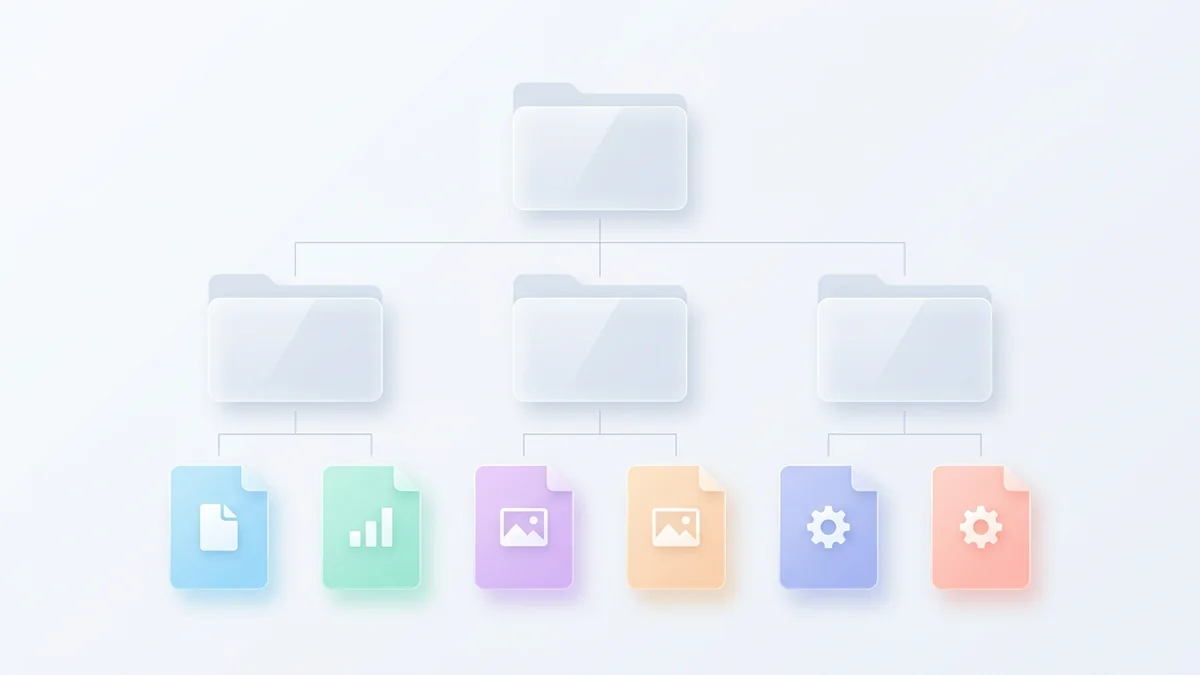
Most file organisation systems fail for the same reason: they are designed in one ambitious afternoon and then used by a person with a deadline. A structure that survives has to be obvious enough to use without a decision, and shallow enough that nobody needs to remember a path.
Four principles that do the work
- One decision per file. There should be exactly one obvious place for any file. If two folders are plausible, the structure has a bug.
- Shallow, then wide. Three or four levels. Wide folders with searchable names beat deep hierarchies you cannot recall.
- Dates where they help, not at the top. A year is useful inside a folder and useless as the first thing you see.
- A place for the ambiguous. One Unsorted folder, emptied weekly, is better than eleven decisions you postpone forever.
A folder structure that works
This is a starting point, not a rule. The important property is that the top level is small enough to remember — five to seven folders.
| Folder | What belongs in it | What does not |
|---|---|---|
| Work | Client and project folders, one per project | Personal documents, invoices for your own bills |
| Personal | Identity documents, contracts, medical, finance | Anything work-related, even loosely |
| Photos | Photos by year, then by event or month | Screenshots and reference images |
| Media | Video, audio, design assets | Exports you have delivered already — archive those |
| Reference | Manuals, guides, ebooks, things you keep but rarely open | Live project material |
| Archive | Completed work from previous years, untouched | Anything you still edit |
Inside a project folder, the same shallow pattern repeats: a few subfolders for the kinds of material the project generates, and a top level where the working file lives so nobody has to guess which version is current.
| Path | Contents |
|---|---|
| Work/Acme Site/2026-03 Redesign/ | The live working folder |
| …/brief.pdf | The source of truth sits at the top |
| …/design/ | Working design files |
| …/content/ | Copy, images, anything supplied |
| …/final/ | Delivered versions, clearly dated |
| …/admin/ | Contracts, invoices, correspondence |
File naming that makes search work
When a folder structure is shallow, search becomes the primary navigation, and search is only as good as your names. A convention that most people can remember and follow:
The pattern
YYYY-MM-DD_description_vN.ext — for example 2026-11-14_acme-proposal_v3.pdf. Date first sorts chronologically without any configuration. A description beats a code name because you will not remember the code name. The version suffix prevents "final_final_v2". Use hyphens, not spaces, so links and command lines behave.
- Avoid dates like 14-11-26. They sort wrongly and are ambiguous between regions.
- Avoid "final". It is never true. Use a version number and let the newest be the answer.
- Avoid personal shorthand. "JD notes" is unreadable in three months, to you or anyone else.
- Do not rename delivered files if a client or system expects a specific name — put them in `final/` and keep the name.
Version management without a system
Two approaches work. The first is inline versioning: `_v1`, `_v2`, `_v3` appended to the file name, with only the current version living outside the `final/` folder. It is manual, obvious and works everywhere, including with people who do not share your tools.
The second is your cloud provider's version history, which keeps prior states of a file automatically for a retention window. It is better for accidents — an overwritten file can be recovered without anyone having named it correctly — and worse for deliberate alternatives, where two versions are both current. In practice most people want both: inline numbering for the files being actively negotiated, and version history as the safety net underneath.
Documents, photos and work files
- Documents. Year then topic, not topic then year. `Finance/2026/` holds a year's worth in one place, which is how you find things at tax time.
- Photos. Year, then event or month. Do not try to name individual photos; use the date the camera recorded and let a photo tool handle faces and places.
- Work files. One project folder per project, with the working file at the top level. If the working file is buried, every collaborator will create a copy.
- Screenshots and downloads. A quarantine folder cleared weekly. These are the two categories that silently become thousands of files.
For individuals and for teams
An individual's structure can be personal and idiosyncratic as long as it is consistent — you are the only user. A team's cannot be either. Teams need a structure that a new joiner can navigate on their first day and that a departing member does not take with them.
For a team the useful rule is that the shared structure is owned collectively and the top level is small: Company, Clients, Projects, Finance, Admin, Archive. Inside Clients there is one folder per client; inside that, one per engagement. Permissions follow the folder, so finance material is genuinely inaccessible to people who should not see it, rather than merely not linked to.
Keeping it from decaying
Weekly: empty Unsorted and Downloads
Ten minutes. Everything gets a home or is deleted. This single habit prevents most of the accumulation.
Monthly: archive finished projects
Move completed work into Archive by year. The active structure stays small, which is what makes it navigable.
Quarterly: delete duplicates
Sort by size and look at the largest files — that is where the duplicates and the abandoned exports are.
Annually: rename what drifted
Something always escapes the convention. One pass a year is enough, and it is a good moment to check the backup.
Further reading
How folder structure works in the product, including moving and nesting.
Why YYYY-MM-DD sorts correctly and DD-MM-YY does not.
Frequently asked questions
- How many folders deep should I go?
- Three or four levels below the top. Beyond that, finding a file requires remembering a path rather than recognising it, and most people will start using search instead — which works only if the naming is good.
- Should I organise by date or by project?
- By project, with dates in the folder names inside it. Date-first hierarchies are excellent for archives and awful for work in progress, because you rarely remember which month something started.
- What do I do with the files I might need but never open?
- One Archive folder, dated by year, and nothing else. The failure mode to avoid is keeping them in the active structure so it slowly fills with material you never touch.
Written and reviewed by the Orindle team. This article is editorial content published by Orindle, which sells cloud storage. Where a competitor is discussed, the figures come from the provider's own published pages and are dated in the text. Prices and allowances change; re-check before relying on them.